Starting your download
Nuan is downloading
- 1
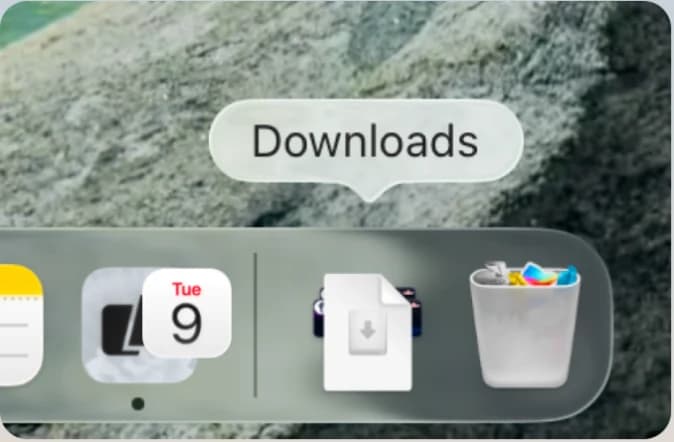
Open Nuan.dmg from your Downloads folder
- 2
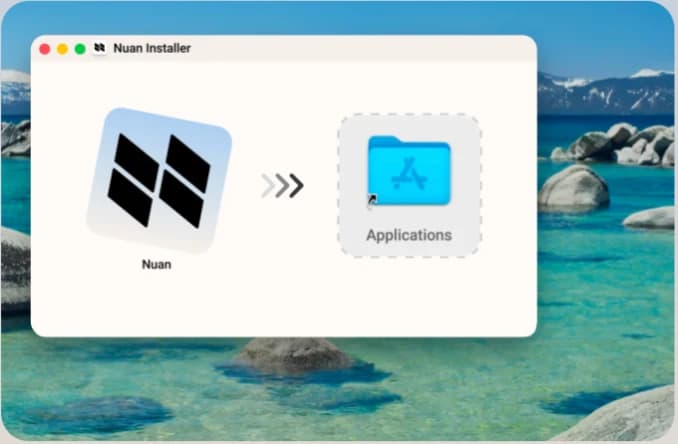
Drag the Nuan icon into your Applications folder
- 3
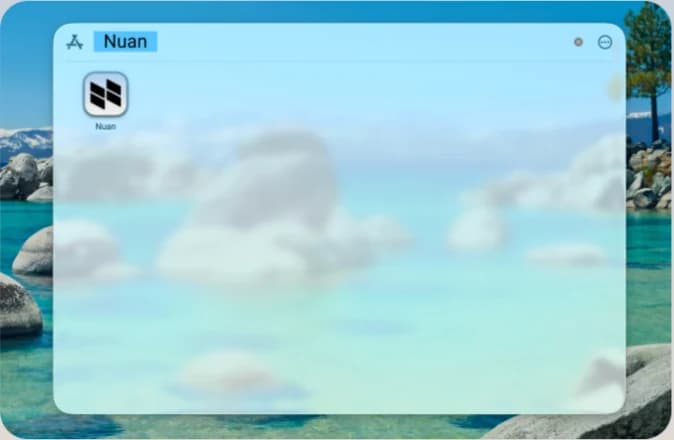
Open Nuan from your Applications folder
4
Sign in with your Nuan account
Coaching runs on your account, not on the app itself. You can create one inside Nuan the first time you open it.
Download did not start? ·Back to Download